Use the following steps to revise a high-cost filing.
-
Log in to the COTFA application.
-
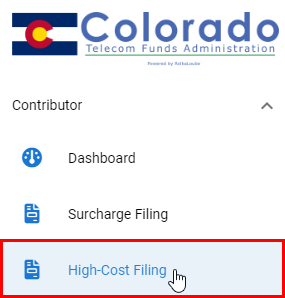
Select High-Cost Filing from the navigation panel.
-
Select Actions to the left of the filing you want to revise.

If you do not see any surcharge filings listed on this page, you may need to change the year in the top right corner of the Surcharge Filings page.
-
Select Revise from the drop-down menu. The Create High-Cost Filing pop-up window appears.
-
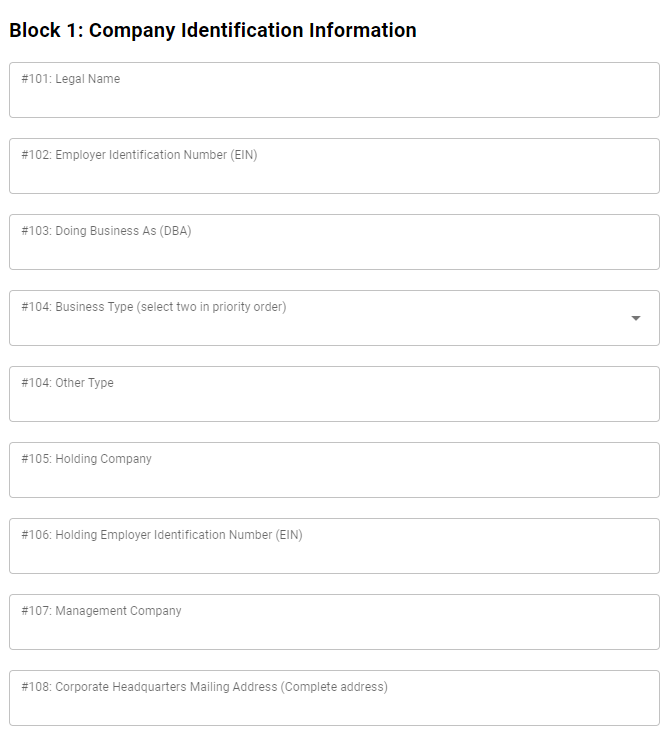
Edit the information in blocks 1, 2, and 3, as necessary.
The Filing Period, Reporting Year, Contributor Name, and Company Code fields cannot be edited.
-
Select Next. The Block 5: Contributor Revenue Information pop-up window appears.
-
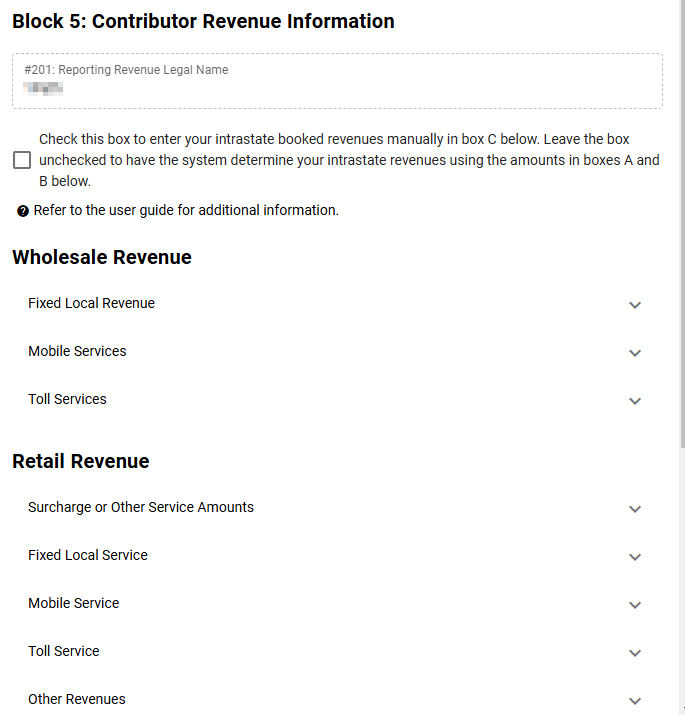
Edit the information in the Block 5: Contributor Revenue Information pop-up window, as necessary.
The Total Revenue fields cannot be edited manually, but will be adjusted based on edits to the values of the individual revenue fields.
-
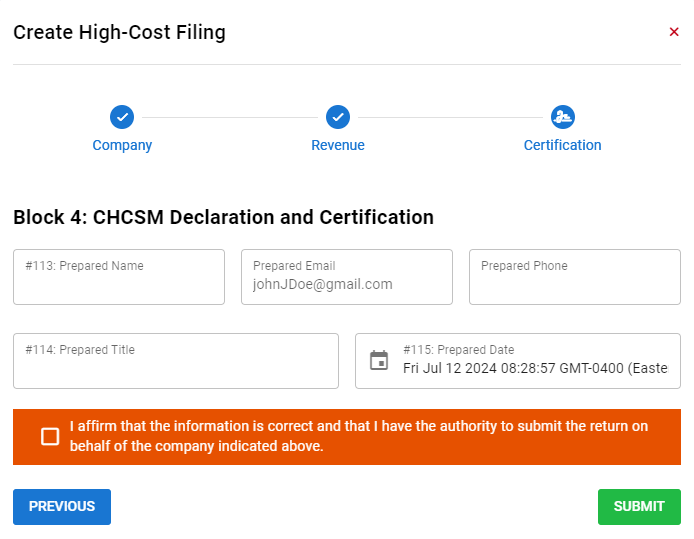
Select Next. The Block 4: CHCSM Declaration and Certification pop-up window appears.
If you get the error message, Please address the errors on the page before proceeding, then verify that all values in (b) boxes are within the 0-100 range.
-
Edit the information in the Block 4: CHCSM Declaration and Certification pop-up window, as necessary.
-
Check the box affirming that the information provided is correct and that you have the authority to submit the return on behalf of the company for which you are revising the filing.
-
Select Submit. The message High-cost filing was created! appears in green.