
The Select a Contributor option allows compliance agencies to select which contributor’s account information to view and manage at that time.
Select a Contributor
Use the following steps to select a contributor.
-
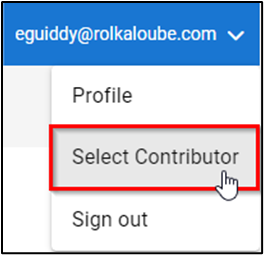
Select your email address in the top right-hand corner of the screen.
-
Click Select Contributor.
-
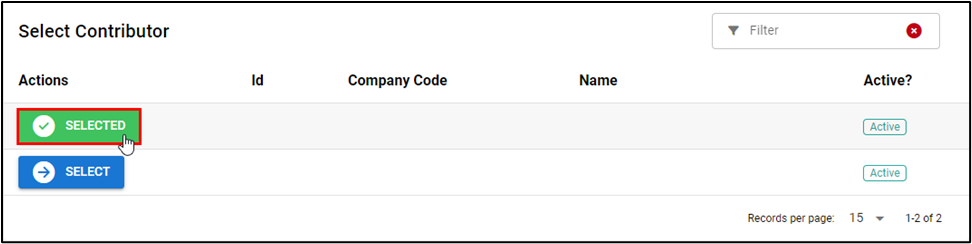
Click Select to the left of the contributor you want to select. The contributor you have selected appears with the message ✓ Selected in green to the left of it.