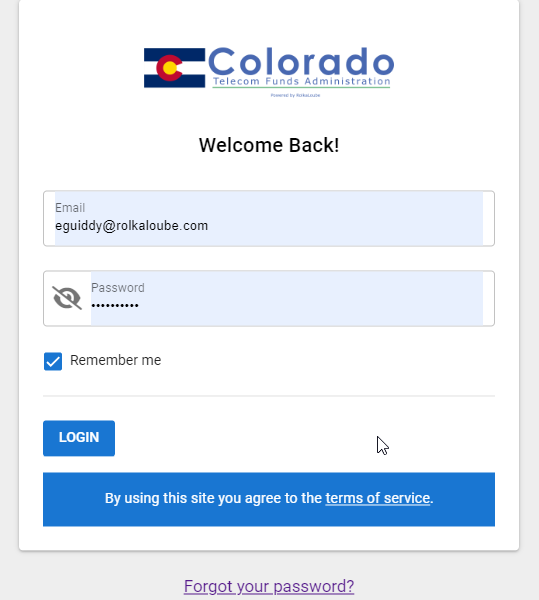
The login screen allows registered and verified users of the COTFA application to do the following:
-
Log In
-
View Terms of Service
-
Reset Password
Log In
Use the following steps to log in to the COTFA application.
-
Navigate to https://cotfa.rolkaloube.com/login.
-
Enter the email address and password associated with your COTFA application account.
-
Select Login. You will be redirected to the Contributor Dashboard.
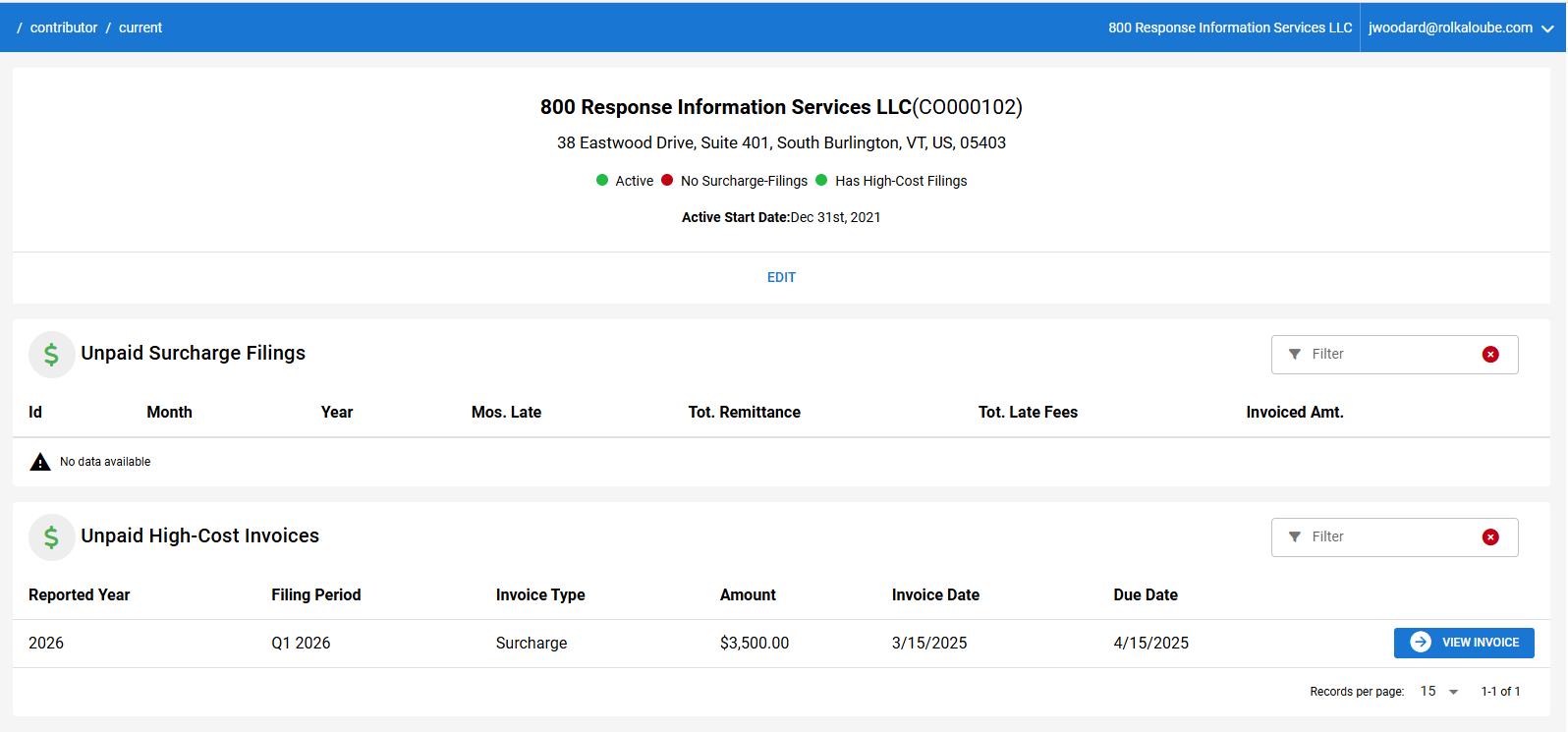
Dashboard
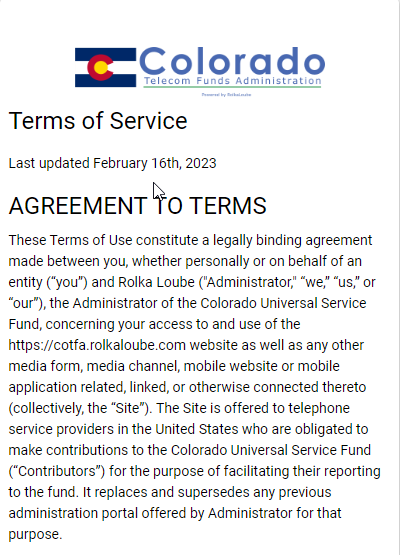
View Terms of Service
Use the following steps to view the terms of service for the COTFA application.
-
Navigate to https://cotfa.rolkaloube.com/login.
-
Select terms of service. A new window is displayed with the terms of service.
Reset Password
Use the following steps to reset your password for the COTFA application without logging in.
-
Navigate to https://cotfa.rolkaloube.com/login.
-
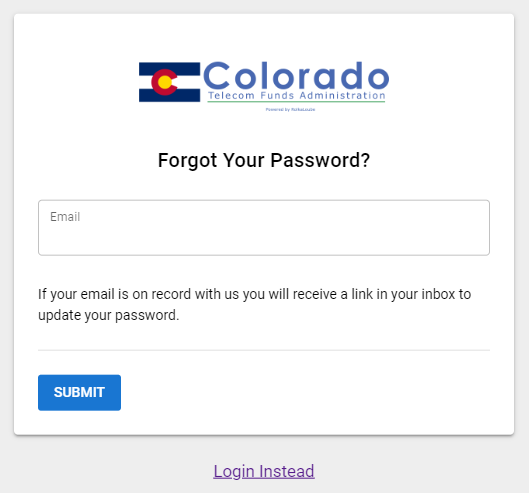
Select Forgot your password?. The Forgot Your Password page appears.
-
Enter the email associated with your COTFA application account.
-
Select Submit. The message An email has been sent to your account to finish resetting your password appears in green.
-
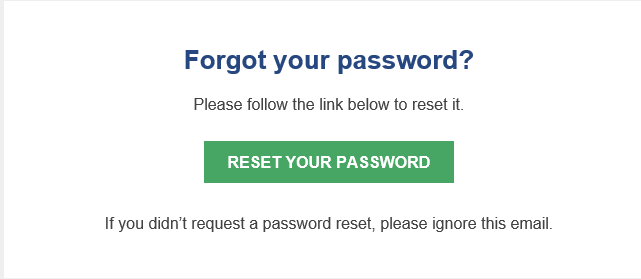
Open the password recovery email from the COTFA application.
-
Select Reset Your Password. You will be redirected to the Reset Your Password page in your browser.
-
Enter your new password in the New Password and Confirm Password fields.
-
Select Submit . The message Your password has been reset successfully appears in green and you will be redirected back to the Login page.
-
Enter the email address and new password associated with your COTFA application account.
10. Select Login. You will be redirected to the Contributor Dashboard.